A process map should help people agree how work happens, where responsibilities pass between teams and what needs to change. SCP would select the framework, notation and level of detail around that purpose and the people involved.
APQC Process Classification Framework®
Which processes should we consider?
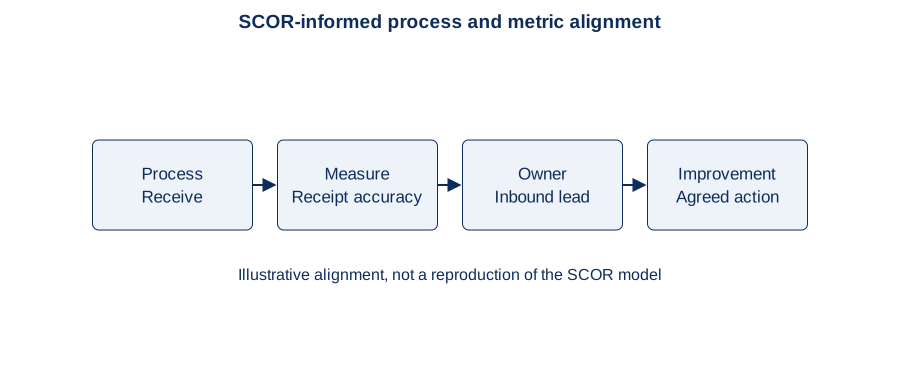
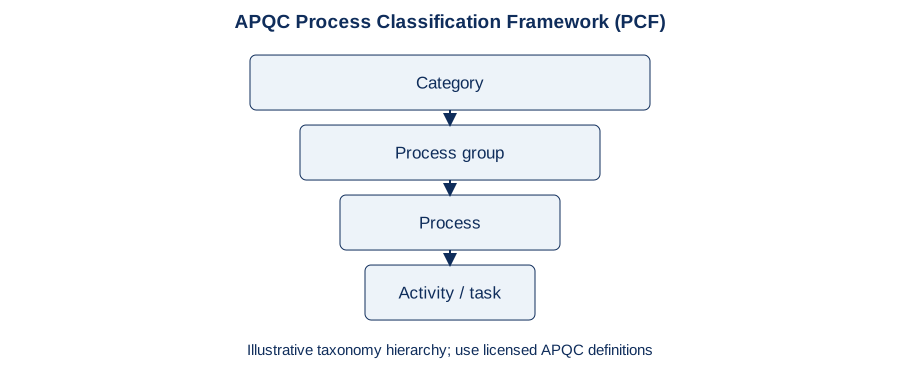
APQC’s PCF is a reference taxonomy: a structured set of process categories and names that can provide a common language for organising work and comparing performance. Use it to check coverage, group related activities and connect process ownership and measures.
It does not prescribe a complete workflow for every organisation. Select and adapt relevant processes, then map how they actually operate across the client’s teams and systems. A classification framework and a workflow map serve different purposes.
APQC: process frameworks ↗
BPMN / Object Management Group
How should the workflow be described precisely?
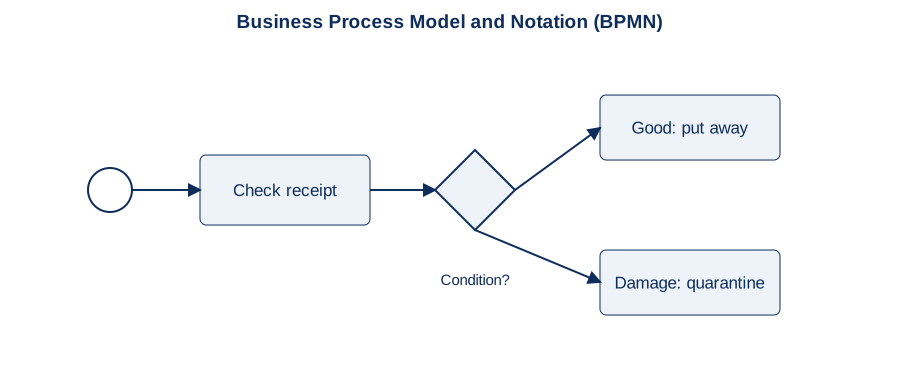
Business Process Model and Notation (BPMN) provides standard symbols and rules for process behaviour. It is intended to connect business understanding with technical implementation, and can represent events, activities, decisions, participants and messages.
Use it when precise exceptions, system interactions or delivery handovers matter. A restrained, well-explained BPMN model can work for business users; a dense model with specialist detail may need a simpler companion view.
OMG: BPMN overview and standard ↗
Business-facing views
What helps people understand and agree?
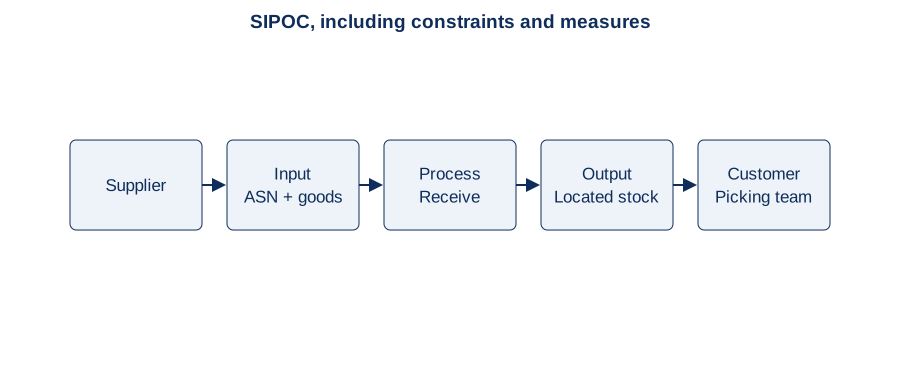
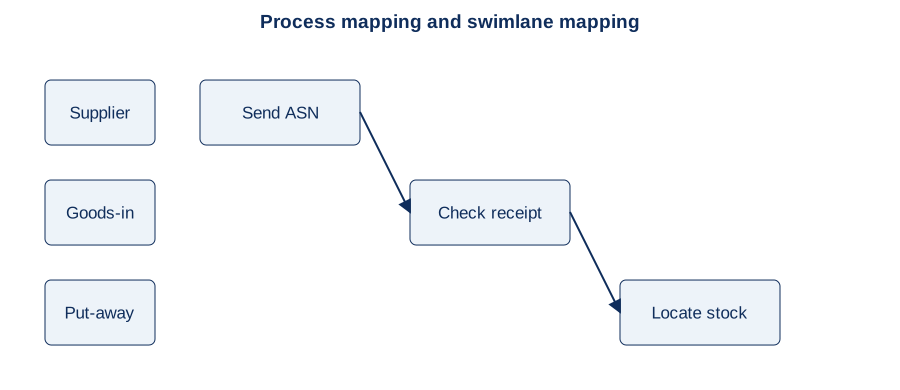
Use a simple flowchart or swimlane map to discuss steps, decisions, responsibilities and handovers. Start with a SIPOC or a short end-to-end overview when the scope and boundaries need agreement first.
Use plain-language activity names, a small consistent symbol set and an explained legend. A simplified flowchart is useful in its own right; label its notation clearly rather than implying it is a complete BPMN model.
Explore process and swimlane mapping →Process levels: from the business overview to the work instruction
Start with the broad business view, then expand selected subprocesses into more detailed maps. Agree the level names, numbering, scope and documentation depth with the client before mapping. The Level 0–5 structure below is illustrative: it is not a universal standard or a requirement to produce six maps for every process.
- Level 0 — Business landscape. The highest-level business functions and value-creating flows, showing how major areas connect.
- Level 1 — Major process areas. Break the landscape into manageable areas, such as Warehouse Operations, with boundaries and accountable owners.
- Level 2 — Processes. Expand an area into its processes, such as Inbound Stock Handling, storage, replenishment and outbound handling.
- Level 3 — Subprocess flows. Expand a selected process into connected activities, decisions and handovers, such as receiving, checking condition and routing stock.
- Level 4 — Detailed activities and rules. Describe the role and system actions, controls, data, decisions and exception paths needed for delivery.
- Level 5 — SOPs and work instructions. Where needed, provide precise instructions for carrying out a task, including system steps, checks and exception escalation. An SOP may cover several tasks; link each instruction to the relevant process.
A subprocess at one level becomes the map below
A box in a parent map can represent a complete subprocess. Opening that box reveals its child map, where the internal steps are visible. A child step can itself link to deeper detail. This is a change of perspective: the same work is a subprocess in the wider view and a process in its own detailed view.
Warehouse example: expand Warehouse Operations
Illustrative Level 1 area: Warehouse Operations.
Level 2 processes: Inbound Stock Handling; Storage and Replenishment; Outbound Stock Handling.
Expand Inbound Stock Handling
Illustrative Level 3 flow: ASN → Identify delivery → Check goods → Handle exceptions → Put away.
Selected Level 4 detail: for damaged goods, record the quantity and damage reason, route stock to quarantine, confirm its location and retain unavailable status pending stock management review.
Linked Level 5 instruction: a role-specific guide explains the scanner or WMS screens, mandatory fields, physical checks and escalation steps for quarantine put-away.
Explore the receiving example and acceptance criteria →In a process repository, drill-down may use a double-click, a link or an expand control, depending on the tool. Provide a clear route back to the parent and retain process IDs, owners and versions. Keep parent and child inputs, outputs and boundaries consistent, and link requirements, controls, acceptance criteria and SOPs to the relevant level.
Use only the detail needed: complexity, risk, audience and the decision being supported determine which branches need deeper mapping. Some can stop at a high-level map; others need detailed instructions. Agree the scope and stopping point, reuse shared processes, and maintain the links when the process changes.
References and terminology: SAP Signavio: process mapping levels ↗ explains that depth and level conventions vary; SAP: process hierarchies ↗ describes high-level overviews linked to subprocess diagrams. APQC’s hierarchy ↗ uses categories, process groups, processes, activities and tasks; it should not be treated as an exact match to the illustrative numbering above. The warehouse hierarchy and SOP placement here are SCP examples to agree with the client. Sources reviewed 18 October 2026.
We would agree the presentation with the audience rather than require every user to read the most technical model. Retain the detail needed for the decision, without losing the connection to the validated business process.